
Entire Order Percent Discount
To apply a percent discount on an entire order, open the order in question.
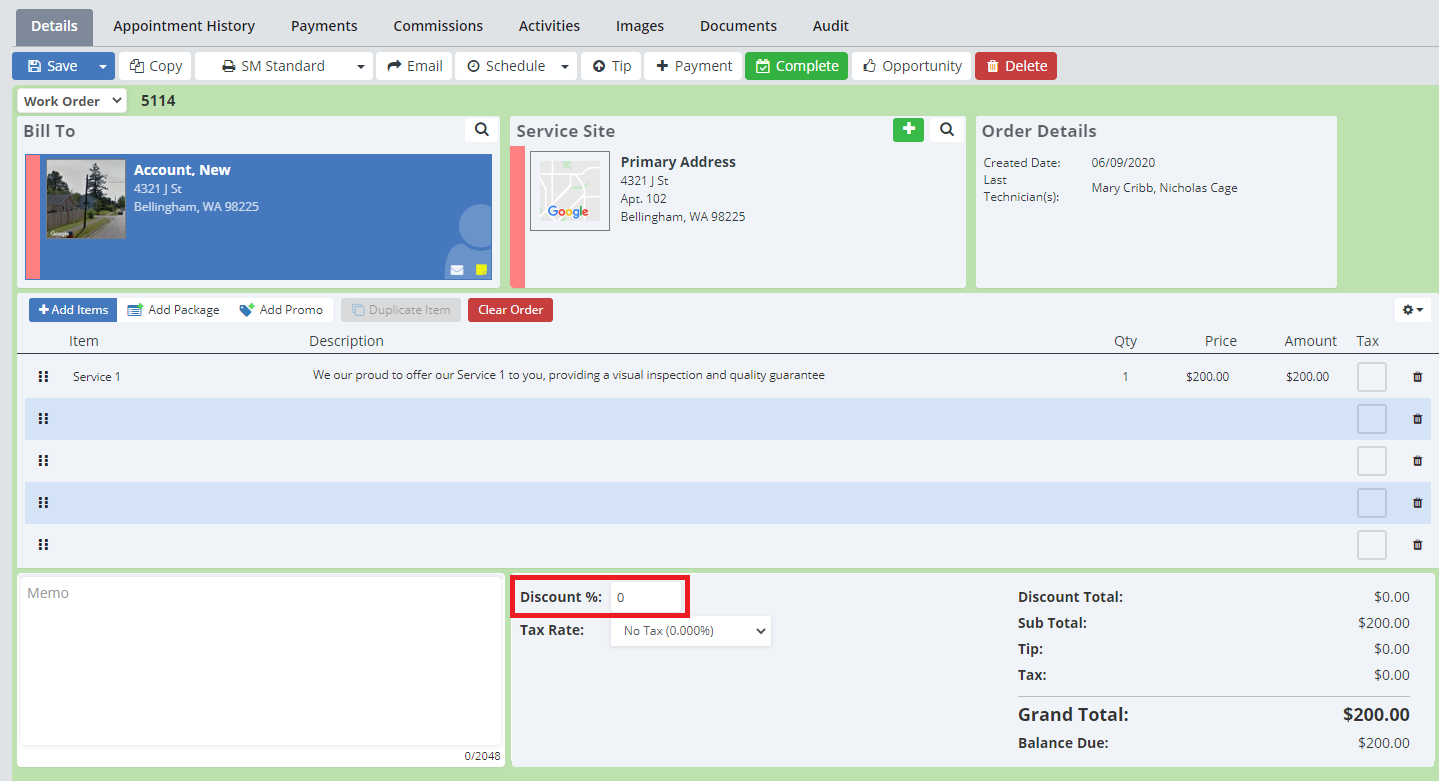
Near the bottom of the order page, there is a box where you can type in the percent discount to be added to the order.
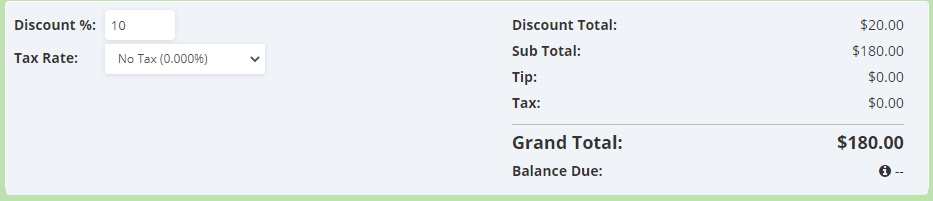
Entering a number here will add in the discount, and will update the “Discount Total” on the order as well.
Click “Save” to save the discount.
Line Item Discount
To add a discount on a line item, click on the line item in question.
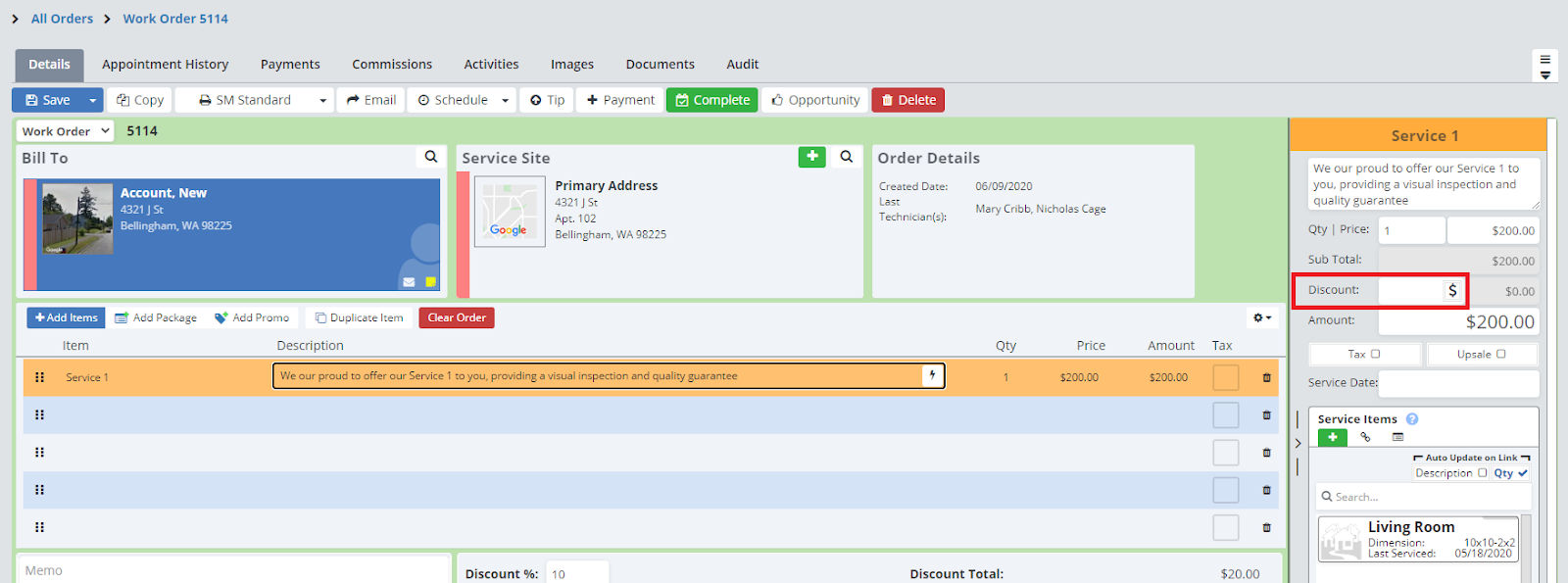
This will open up the details of the line item on the right-hand side of the screen.
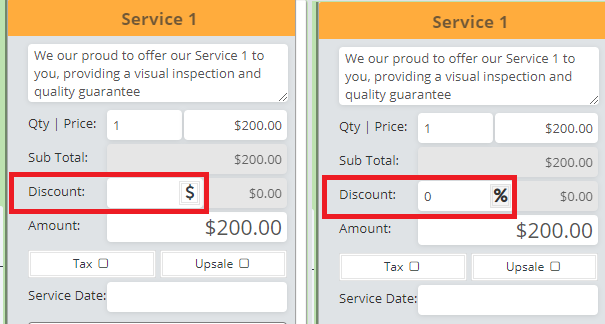
Here you can add in a discount. To change between a dollar amount discount or a percent discount click on the “$” or “%”.
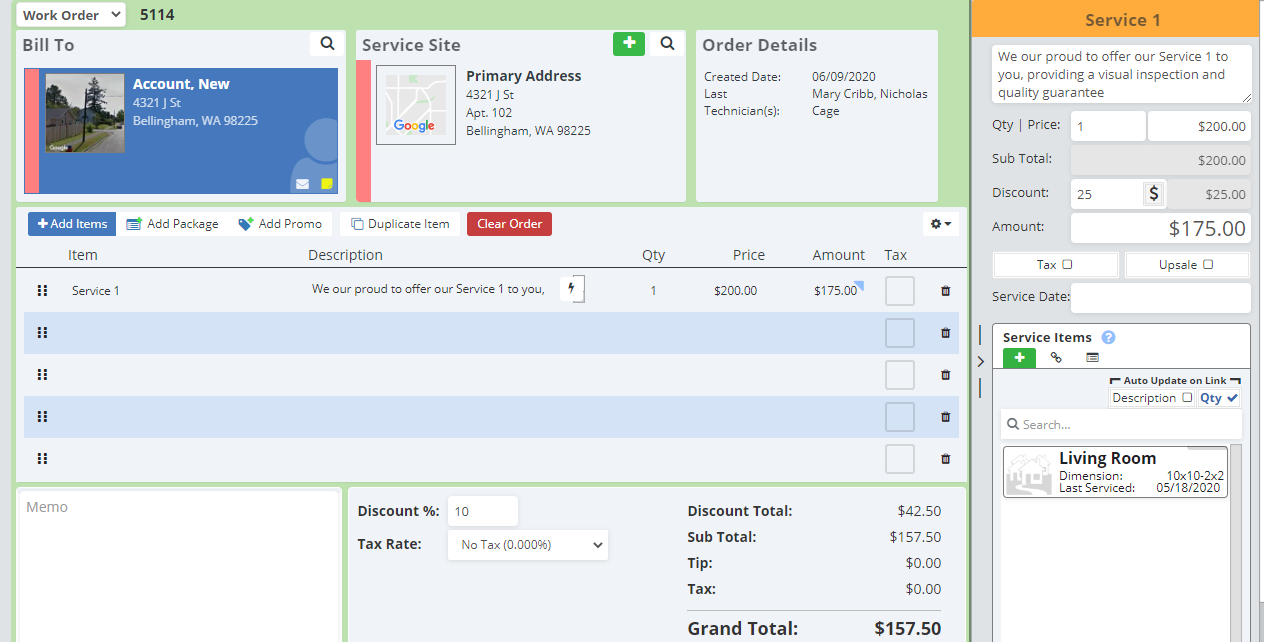
This will adjust the “Amount” for the line items, as well as your “Discount Total” on the order.
Click “Save” to save the discount.
Dollar Amount Discount on an Order
To add a dollar amount discount on an order, open the order in question.
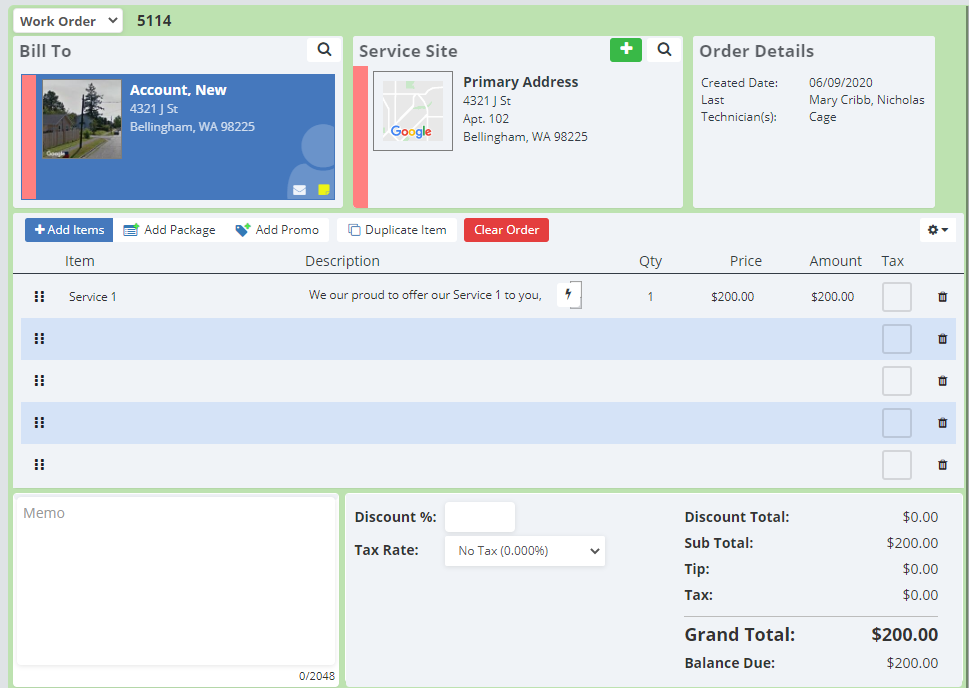
Click on the “Amount” column under your last line item.
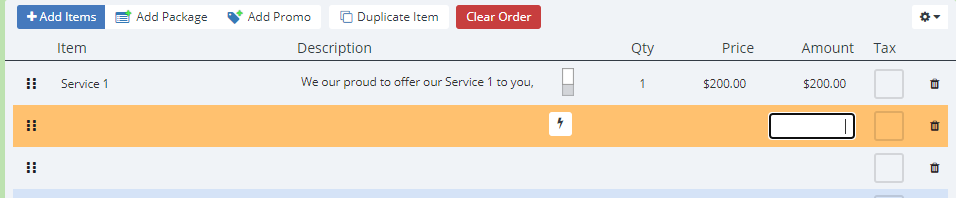
Here you can type in a negative dollar amount (Make sure to include a “-” so the system knows it’s a negative amount!)
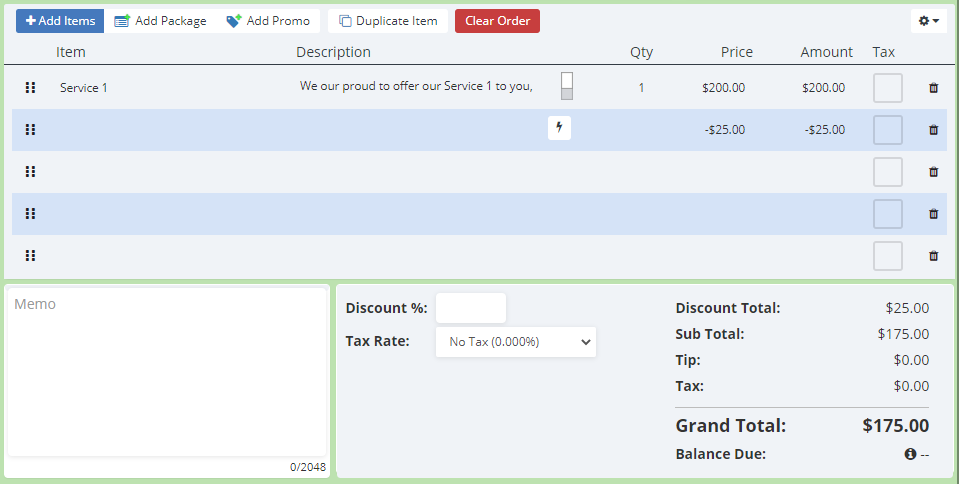
Click “Save” to save the discount.