
Quickly track down any transaction in your payments portal by using powerful search and filter tools. Here’s how to locate the payment you need by date and customer name.
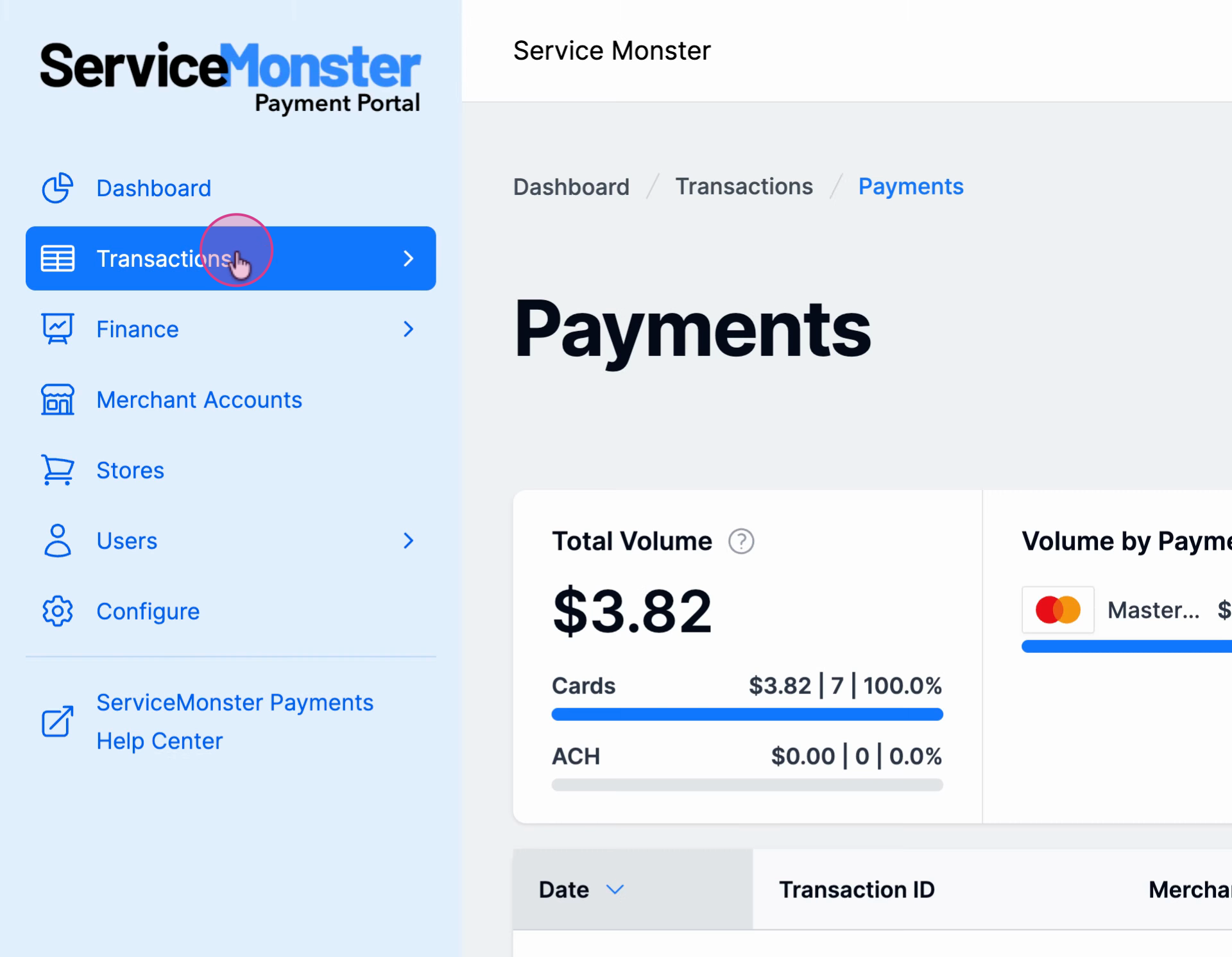
Step 1: Log in and click Transactions on the left sidebar.
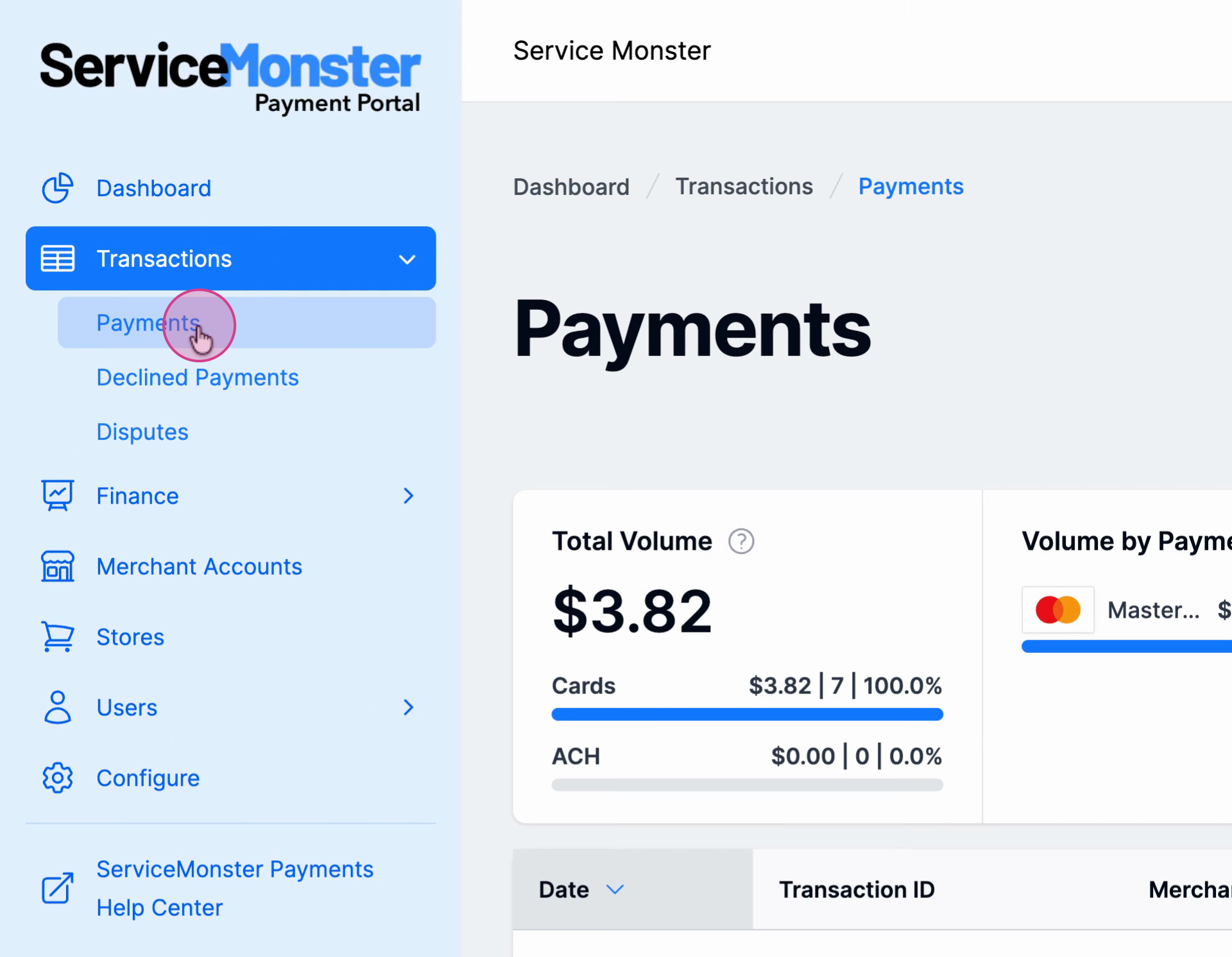
Step 2: Click Payments to see your payment records.
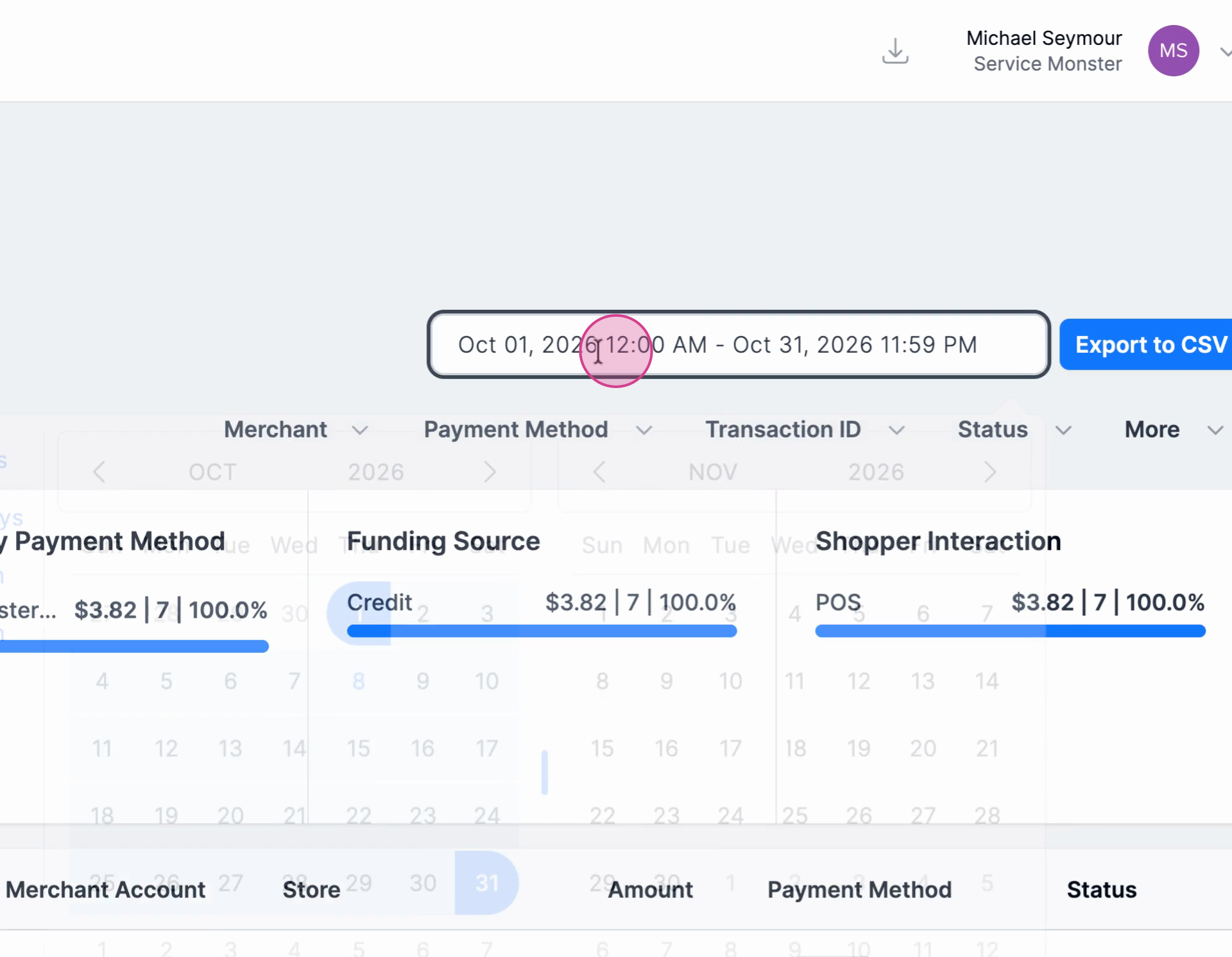
Step 3: Select the relevant date range when you think the payment was received.
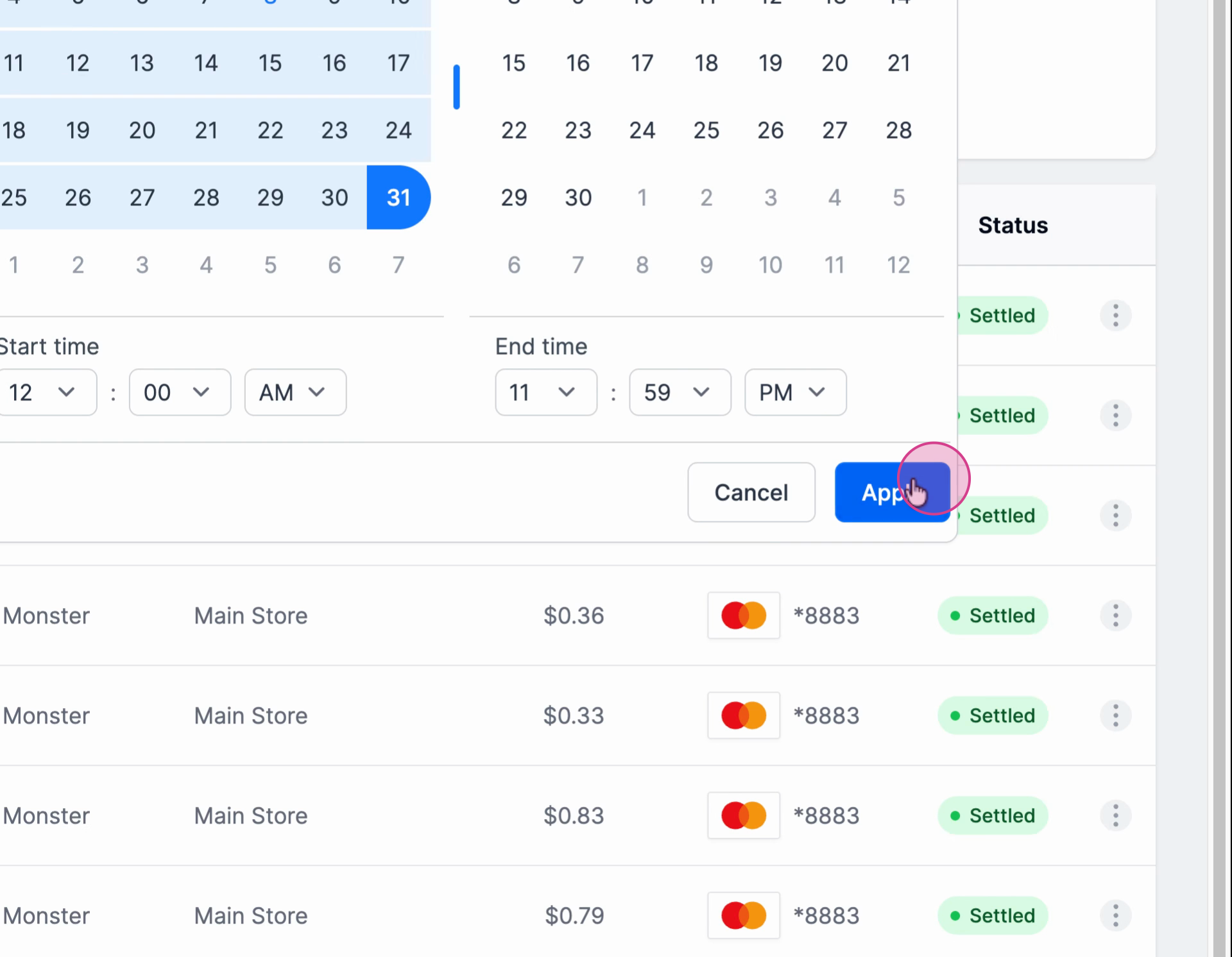
Step 4: Click Apply to filter transactions by the chosen date.
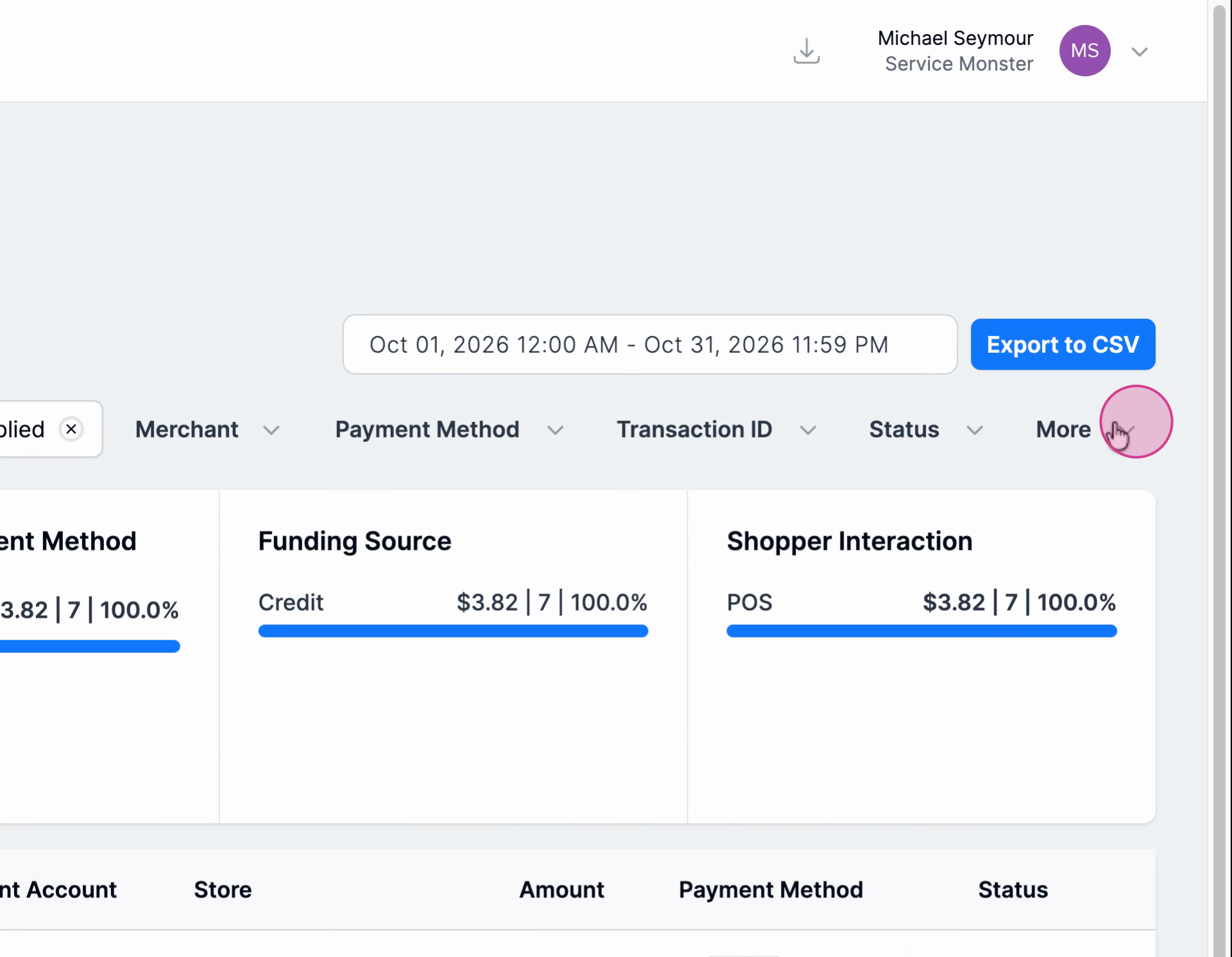
Step 5: Click More to open additional search options.
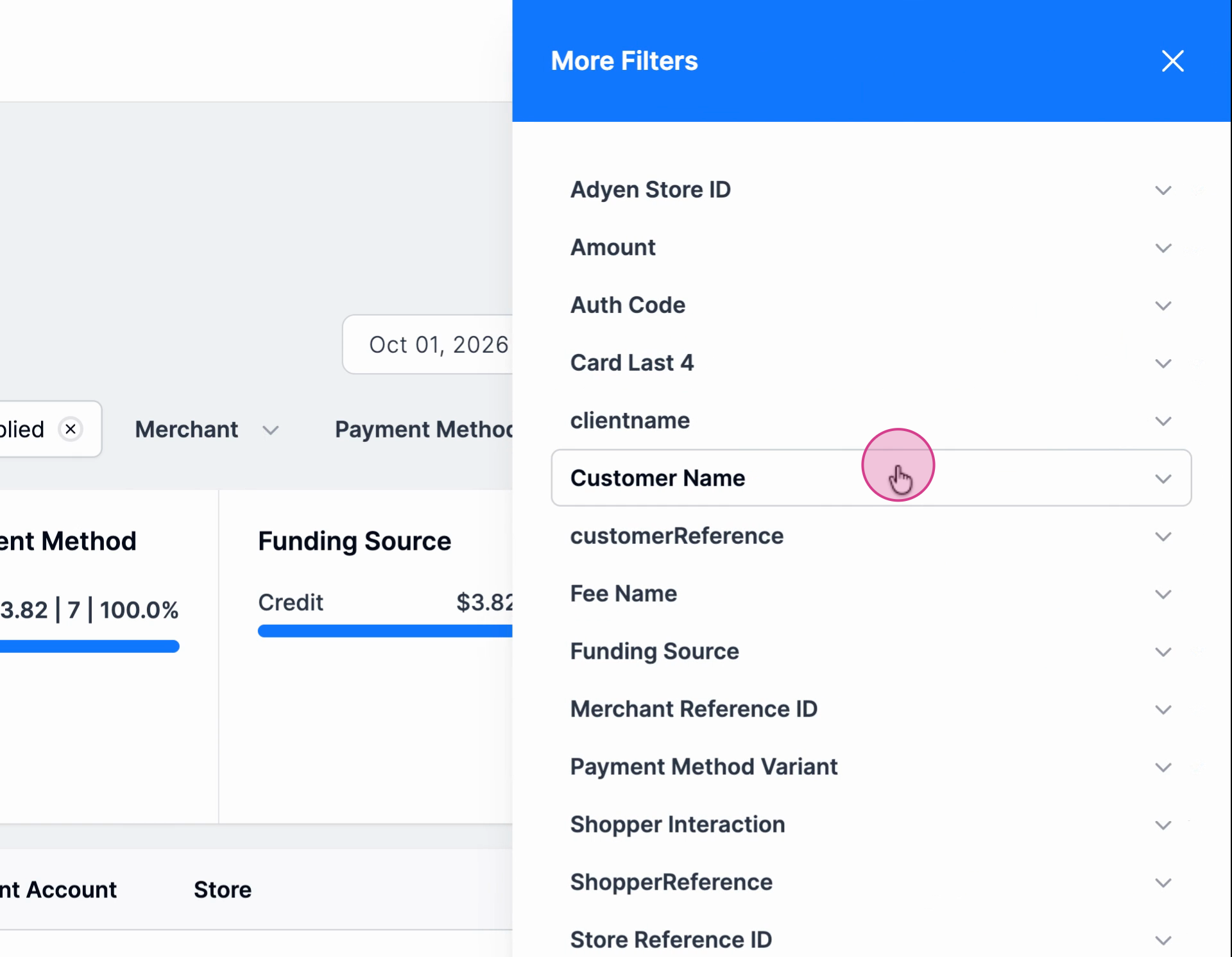
Step 6: Enter the customer’s last name in the provided field.
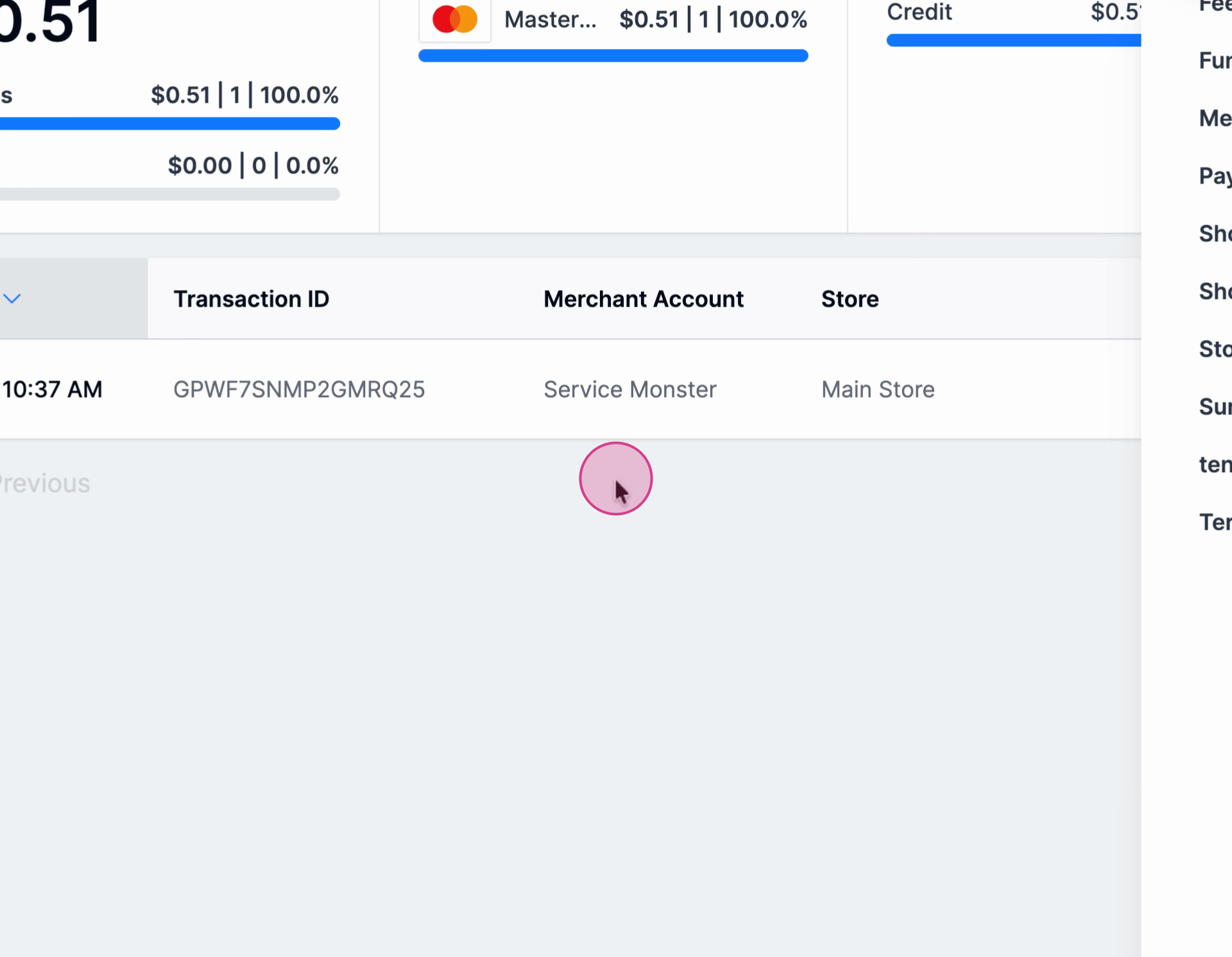
Step 7: Review the list of transactions matching the name.
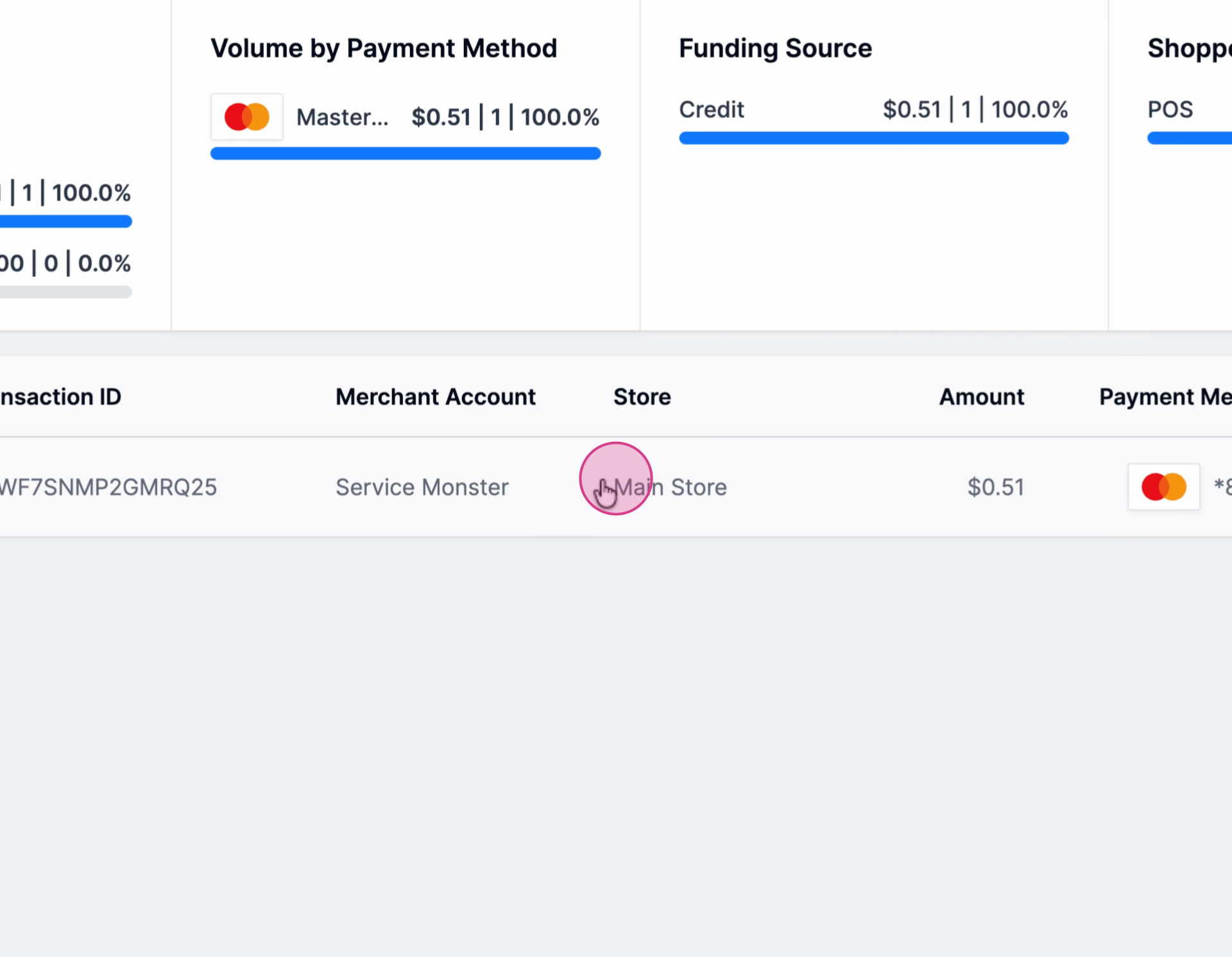
Step 8: Click any transaction to view detailed payment information.
This process makes it easy to locate any payment, ensuring you always have the info you need at your fingertips.