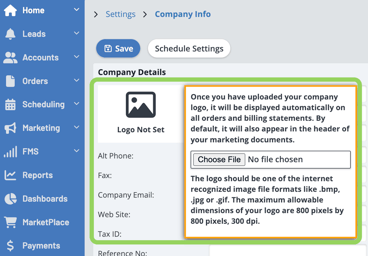
You will first need to make sure your logo has been uploaded. You can do so by going to Settings -> Company Info. You'll see the area for your logo on the top left of this screen. If you have uploaded the file and it is still not showing, then make sure it falls within the dimension requirements (800x800 pixels maximum) and then re-size the image if needed.