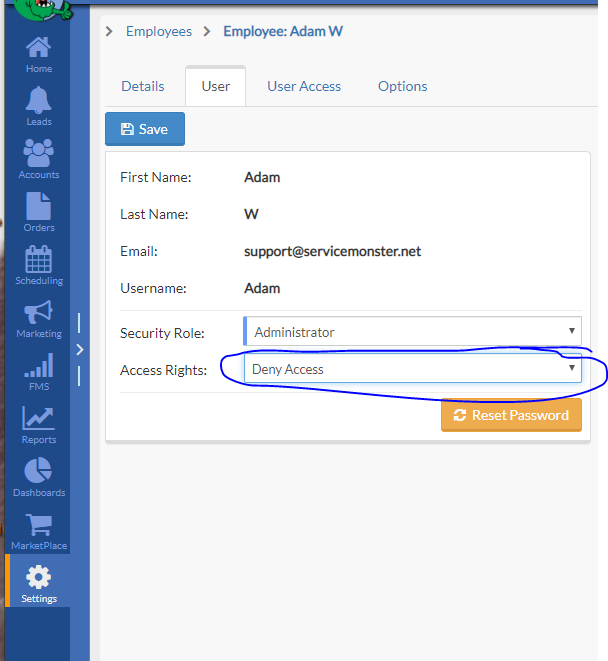
Here are the steps:
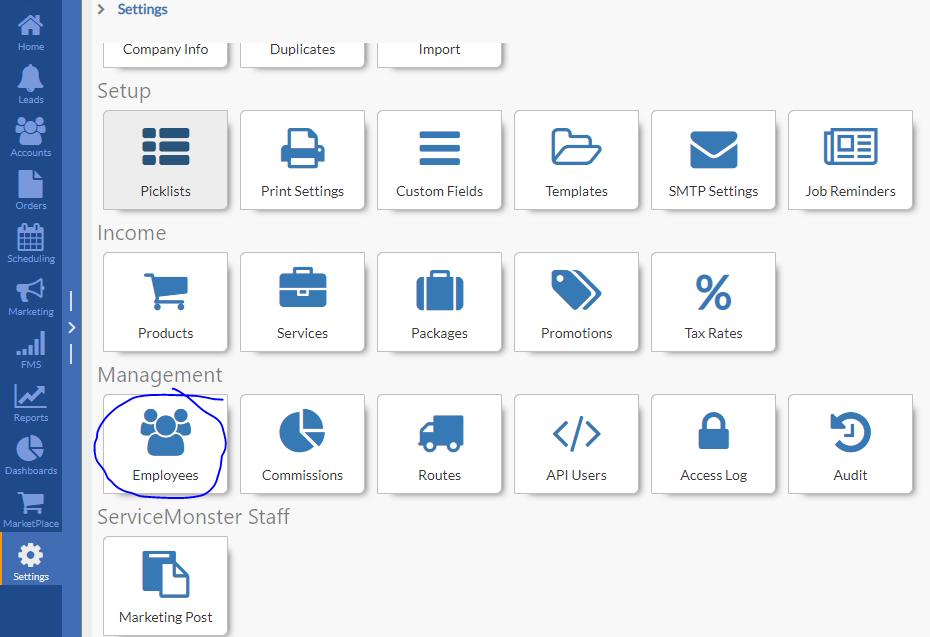
- Go to Settings
- Then underneath Management click on Employees
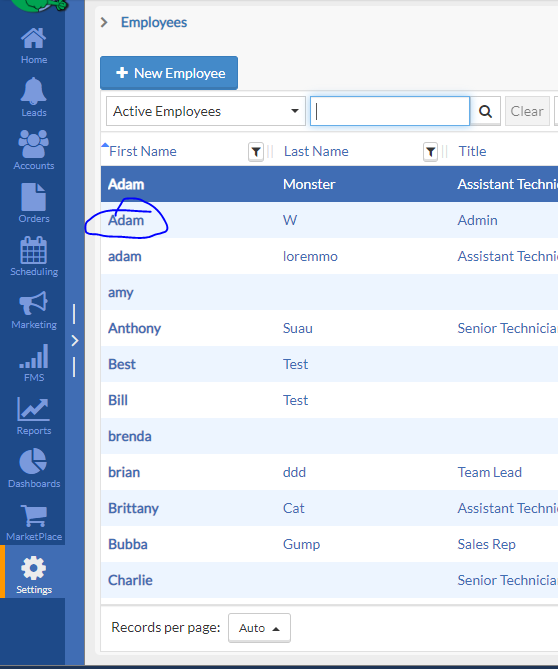
- Select the employee you wish to revoke access to
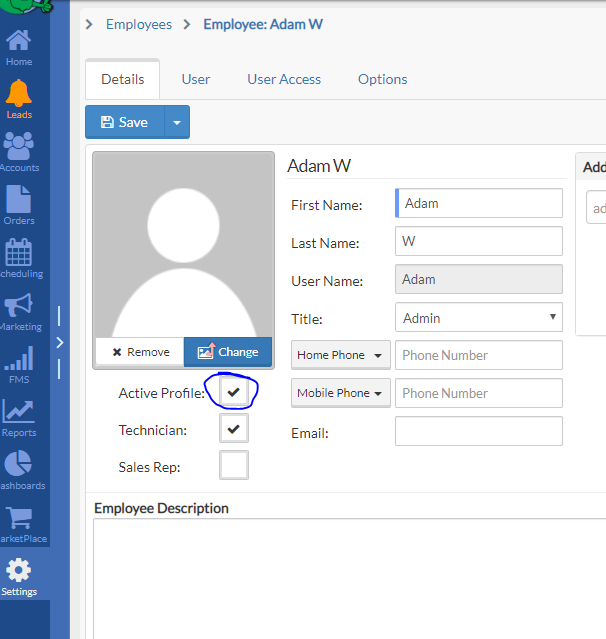
- Un-check the Active box on their employee detail tab.
- Then click on the User Access tab and make sure their access rights is set to deny access