
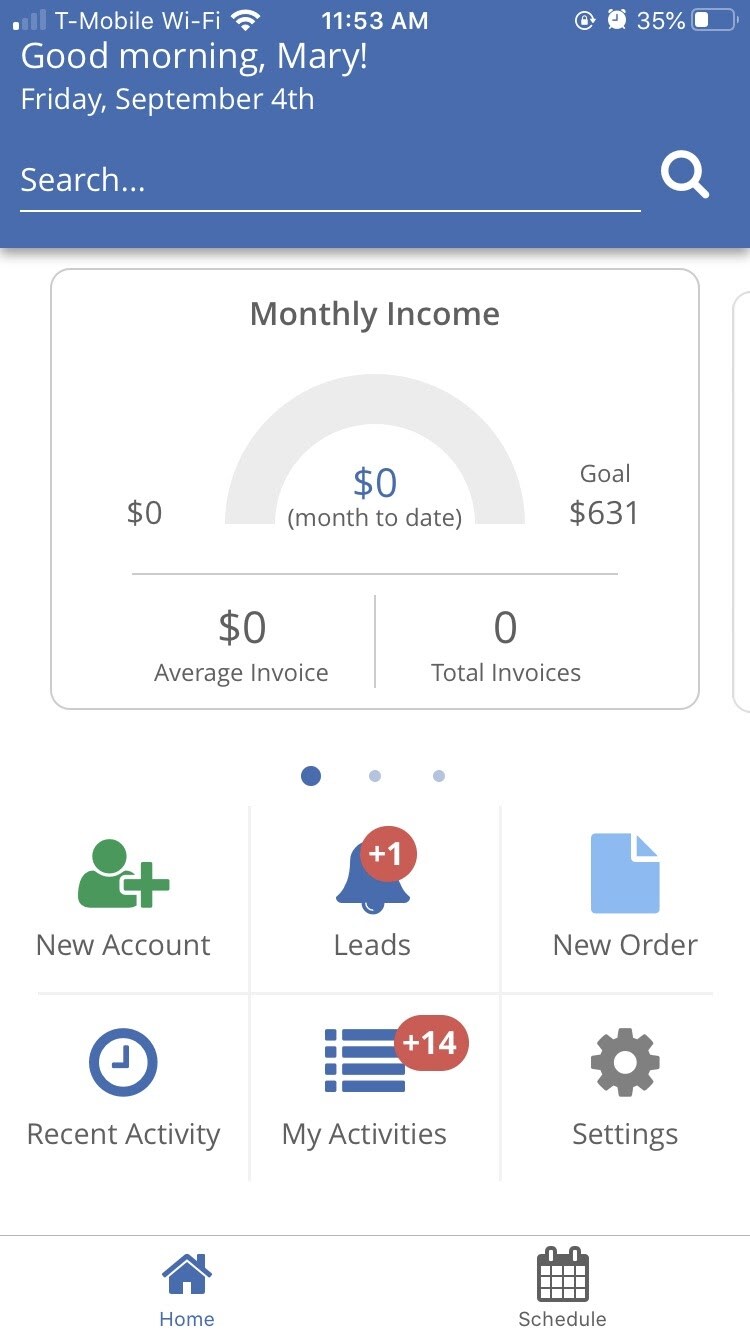

Search Bar:
Here you can search for accounts, sites, and orders. Simply type in what you are looking for, then click on the magnifying glass icon.
Dashboards:
There are three dashboards for quick glances at how your company is performing.
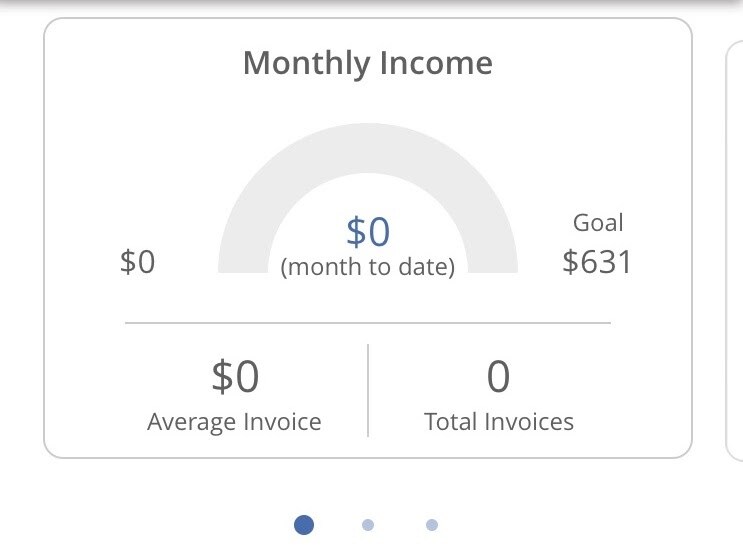
Monthly Income: Here you can view your income for the month compared to a goal created from your monthly averages (year-over-year comparison + 5%). You can also see the average invoice total and the number to total invoices for the month.
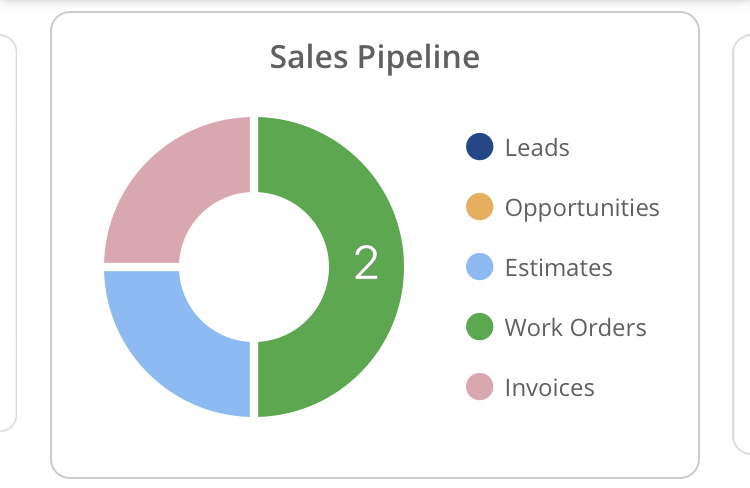
Sales Pipeline: Look at what stage your orders are at using this dashboard.

Sales By Month: View a simple bar graph of your number of invoices per month.
Navigation:
New Account: Click this button to create a new account, click here to learn more about creating new accounts on mobile. To learn more about making an account on mobile click here.
Leads: Click here to track your leads and make a new lead. To learn more about leads on mobile click here.
New Order: Click here to create a new order. To learn more about creating a new order on mobile click here.
Recent Activity: View your recent activity in ServiceMonster, you will be able to see accounts, orders, appointments, and activities. To learn more about the recent activity page, click here.
My Activities: Here you can view, create, and track your activities. To learn more about activities on mobile, click here.
Settings: Click here to view and edit your settings. To learn more about settings on the mobile app, click here.

Home and Schedule: At the bottom of the app you can switch between viewing the home screen or the schedule. You can learn more about the schedule on the mobile app by clicking here.