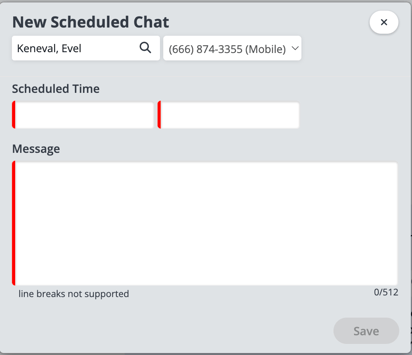
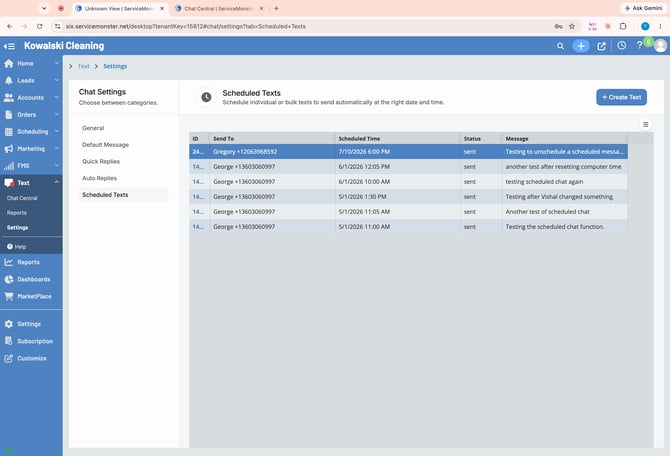
Create a new Scheduled Text to send a message at a custom date and time. Click the +Create Text button to begin.
First search for the customer to send the message to & select them. Click OK.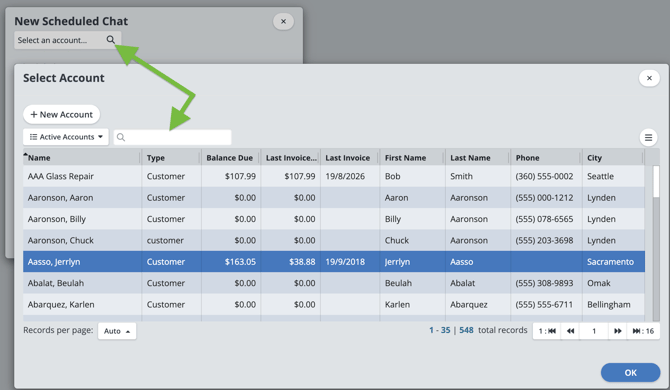
Now select the client phone number to send to.
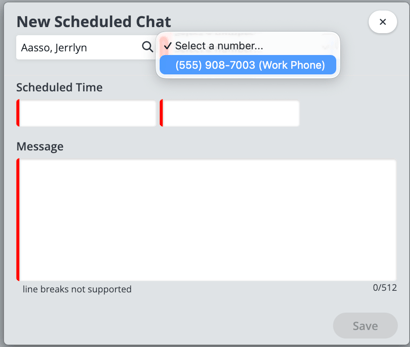
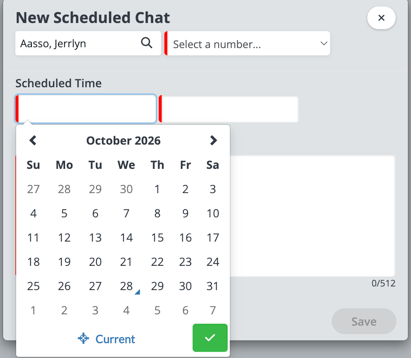
Choose the date & time to send the message.
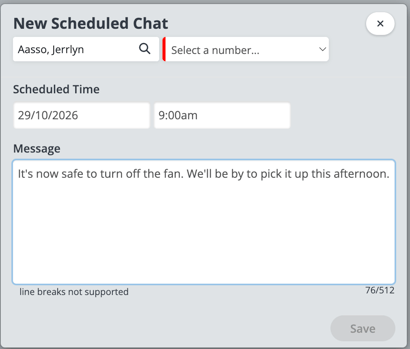
Enter the message to send. Click save & you're done!
Send Quick or Scheduled Texts from Client Messages
You can also send quick texts, replies, or scheduled messages directly from a client’s messaging area for even faster communication. Since we've already chosen the
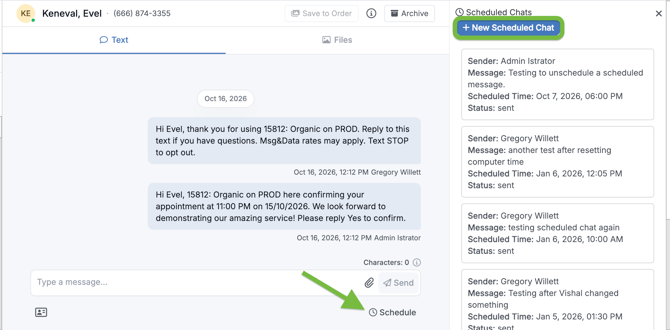
Since we're already on the client's chat, all you need to do is enter the date, time & message to send. Click Save.